Put your money
where your
screen time is
Pick the apps that waste your time. Set a daily limit and a cash pledge. Go over — you pay. It’s that simple.
Coming Soon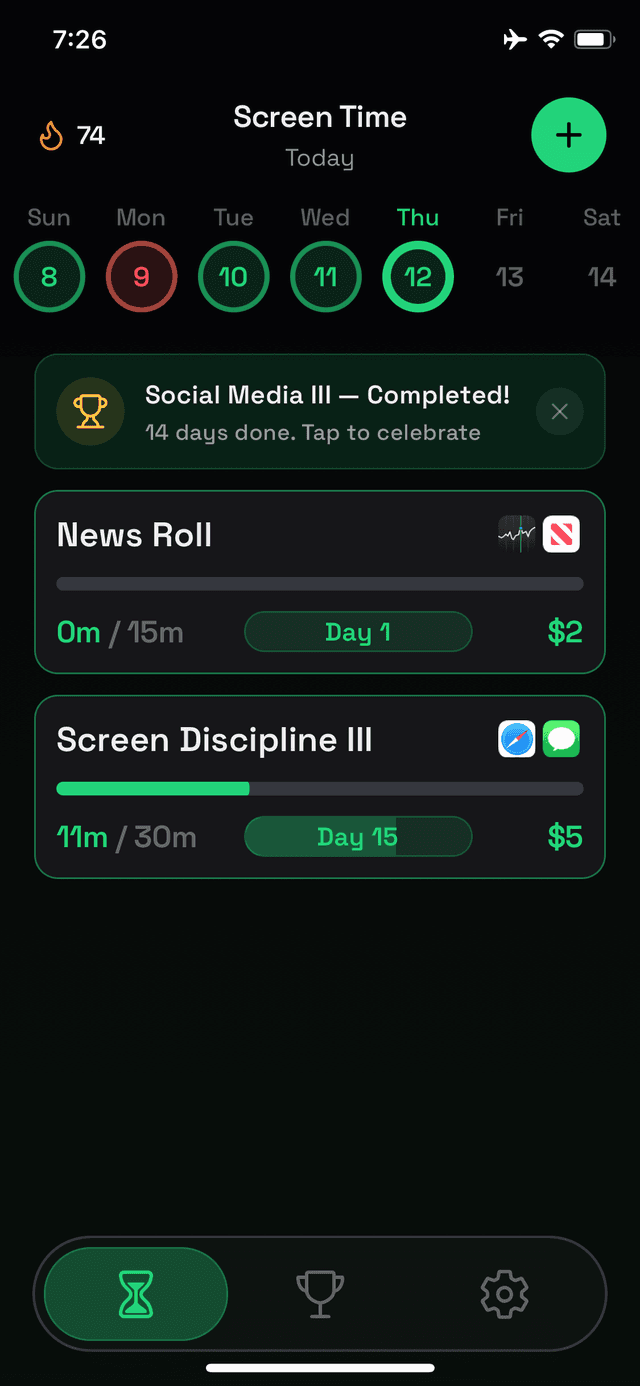
Pick the apps that waste your time. Set a daily limit and a cash pledge. Go over — you pay. It’s that simple.
Coming SoonFive steps to taking back control of your screen time.
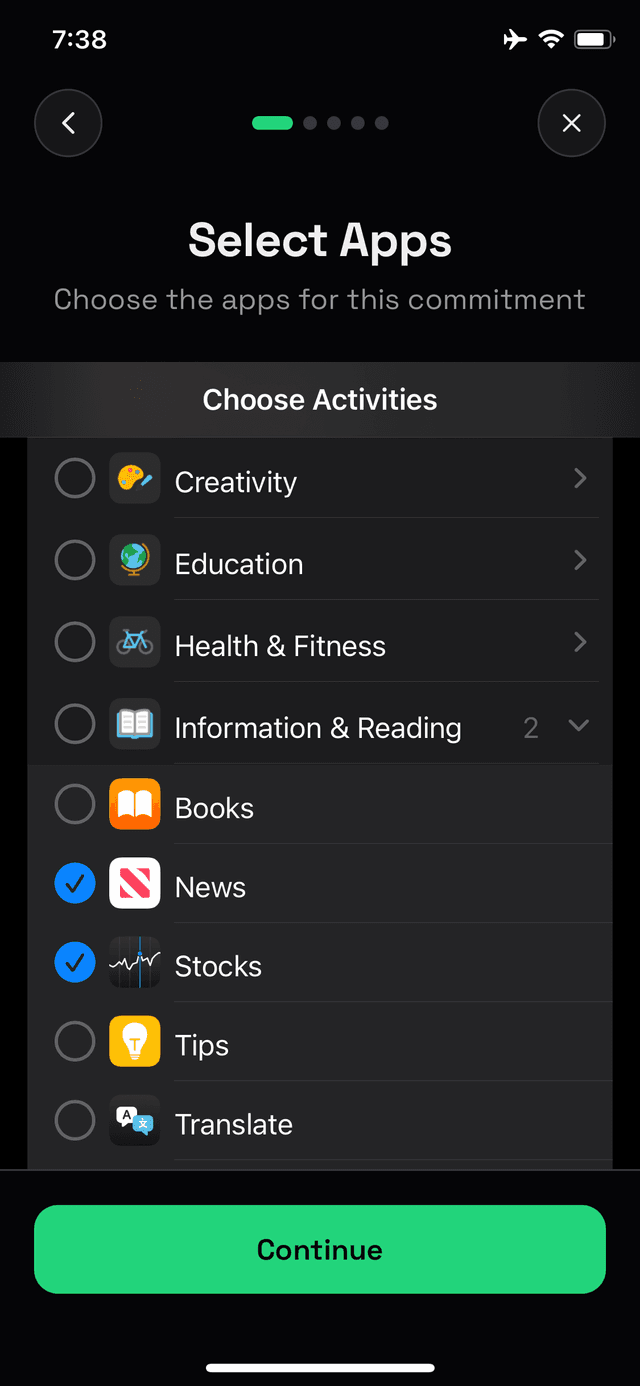
Choose the apps and categories that eat up your day. Social media, games, entertainment — you decide.
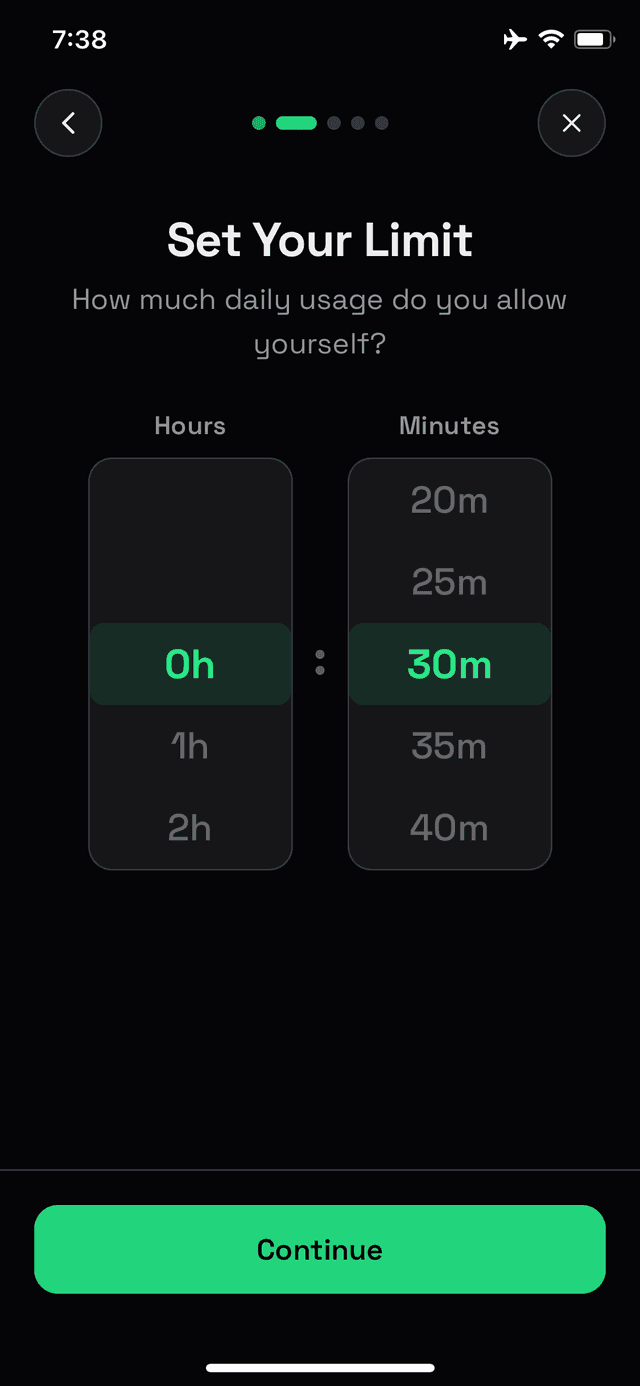
How much daily usage do you allow yourself? Set it in hours and minutes.
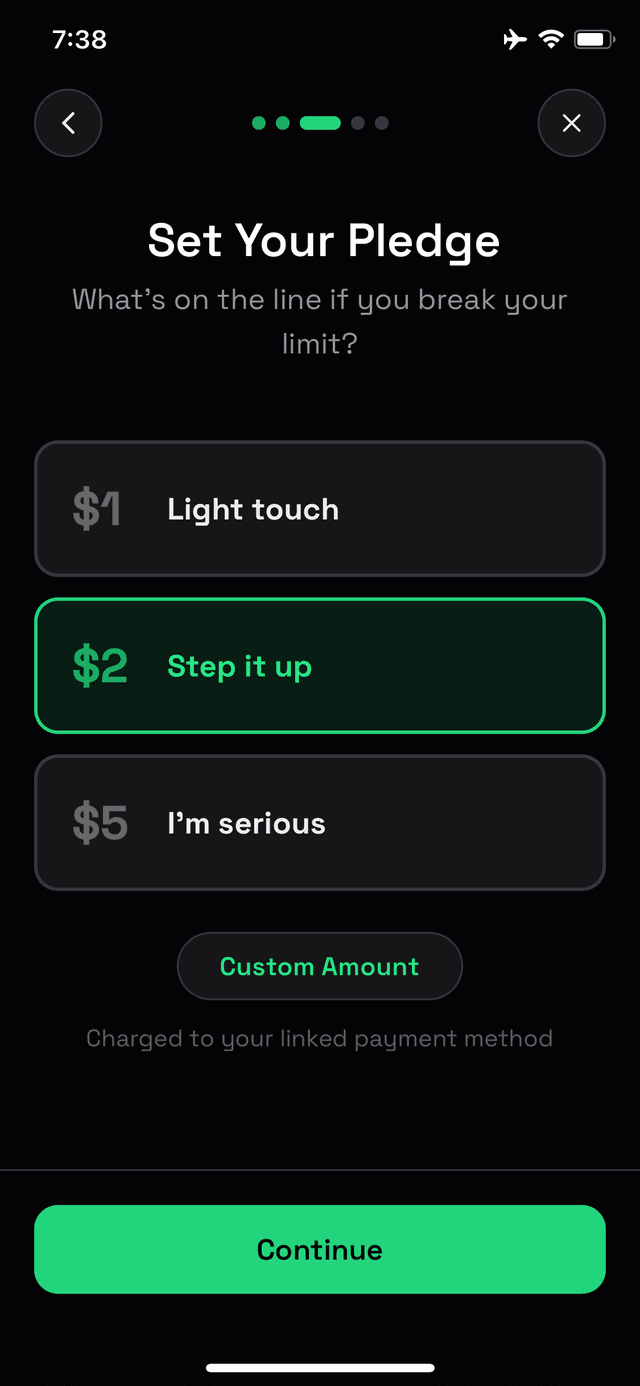
What's on the line if you break your limit? $1 for a light touch or $5 if you're serious.
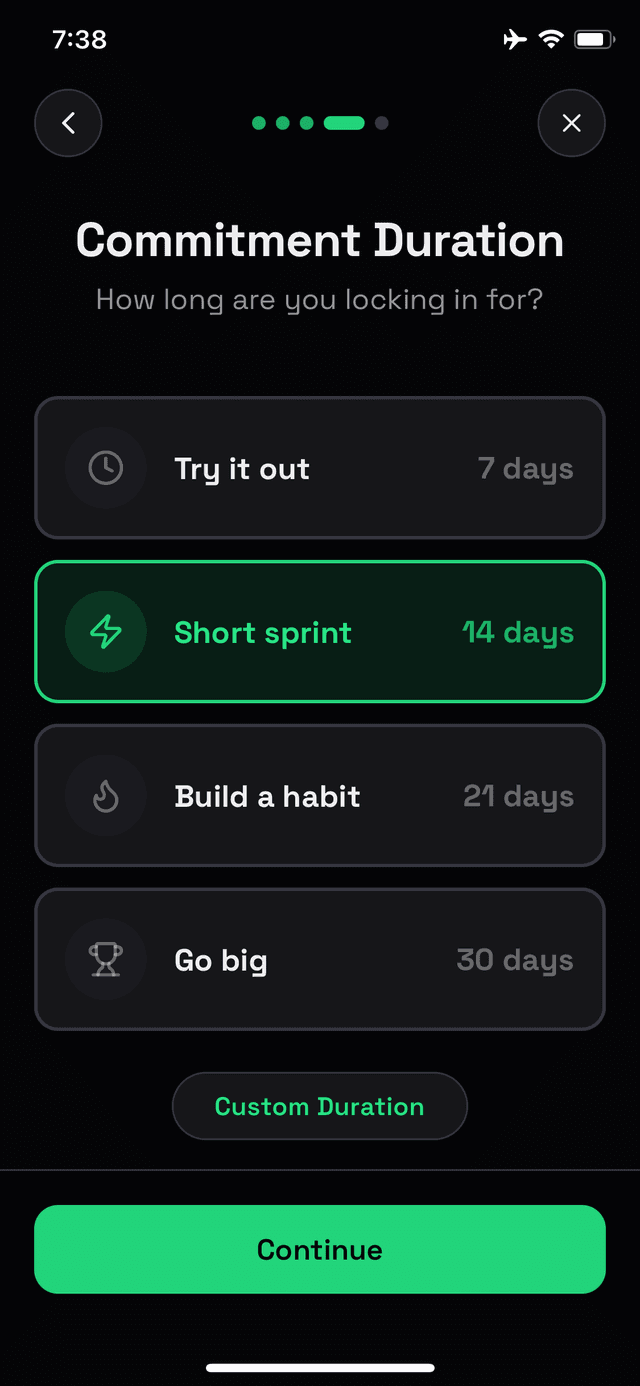
Commit for a few days or go all in for a month. The longer you last, the bigger the reward.
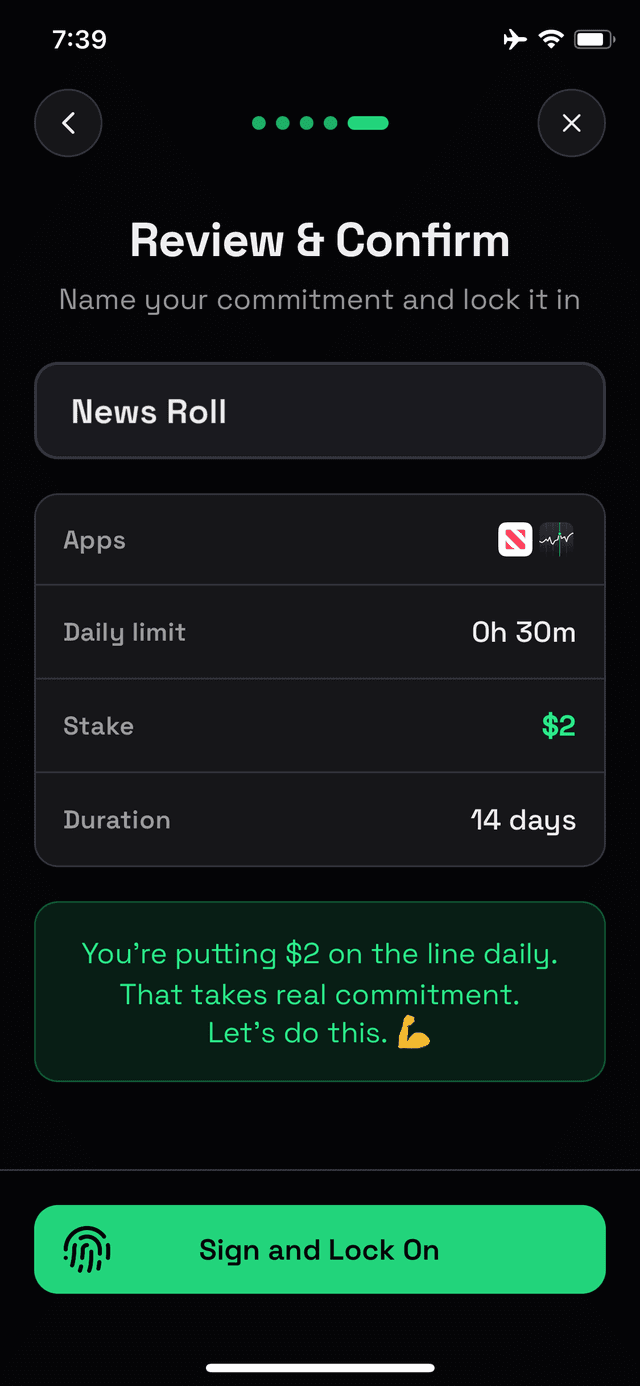
Review your commitment and lock it in. Once you start, there's no backing out.
It’s not just about losing money. Track your wins and build momentum.
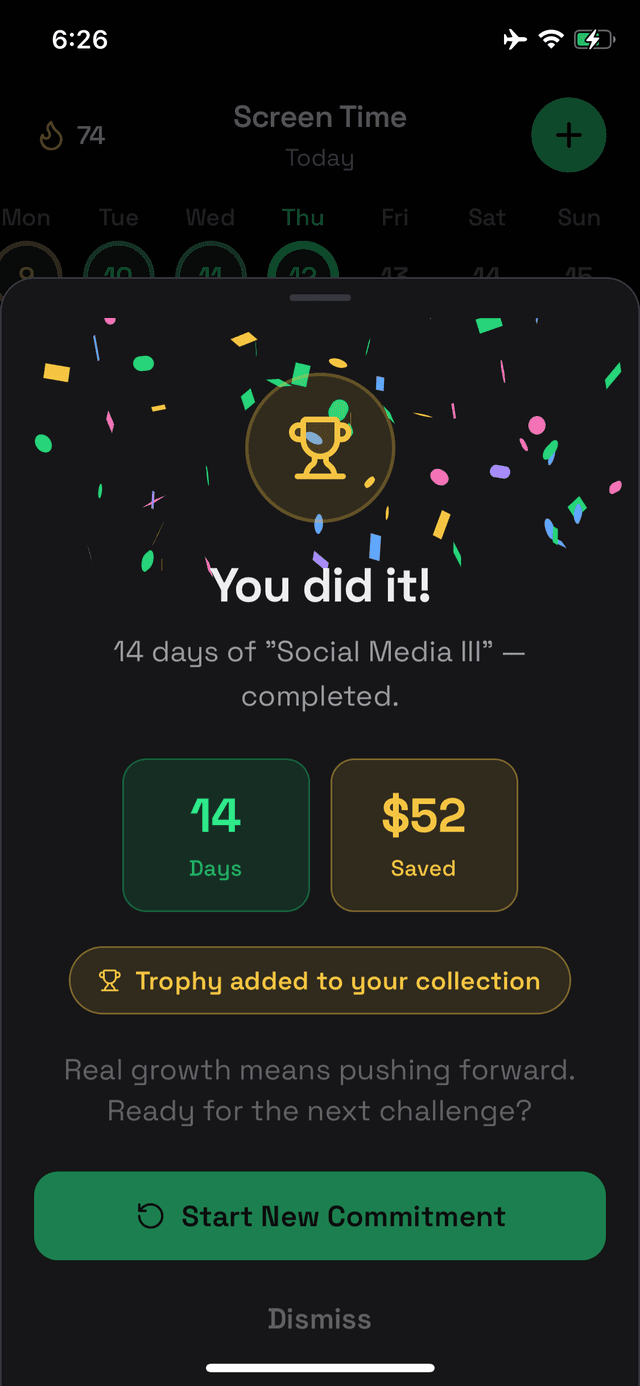
Hit your goal and get the confetti you deserve. Real growth means pushing forward.
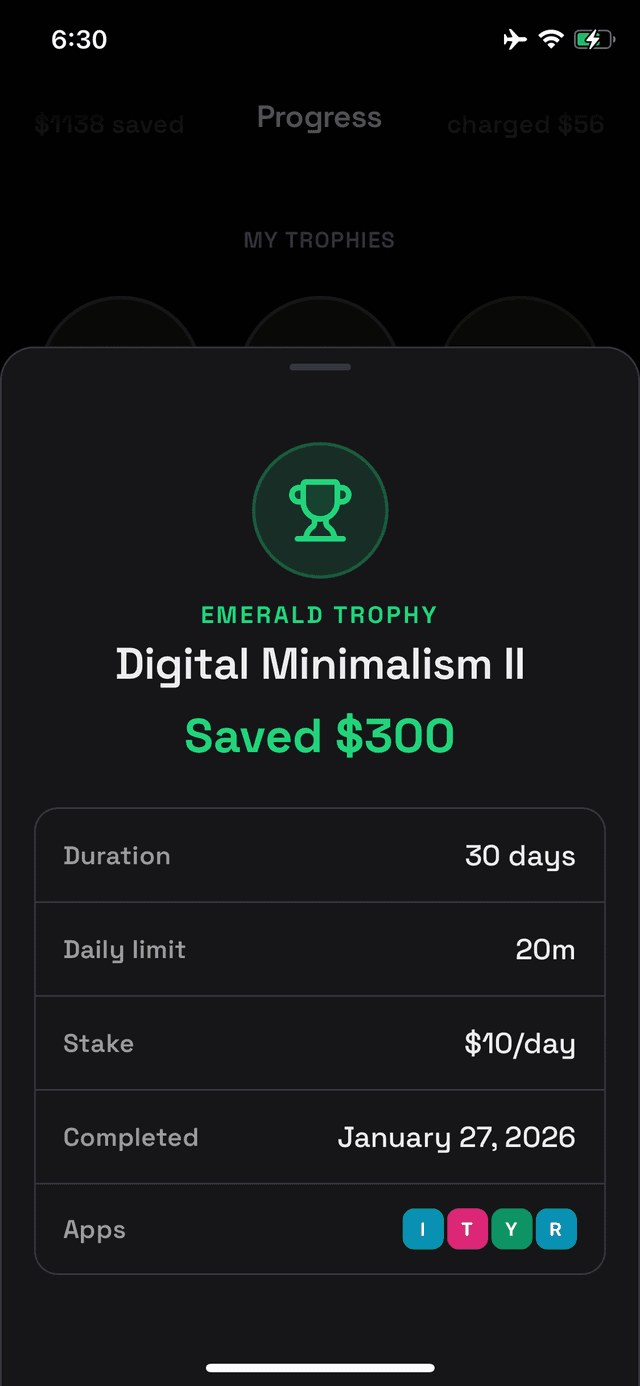
Complete commitments and collect trophies — Bronze to Diamond. Each one earned, never given.
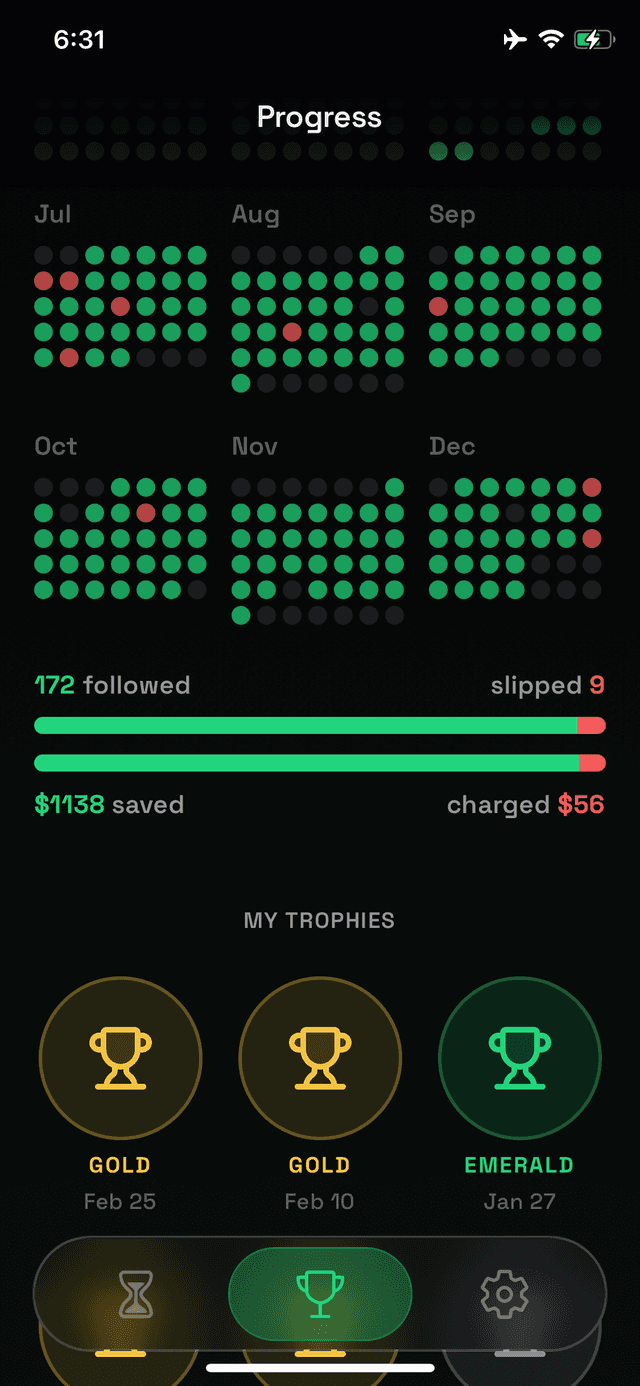
See your streaks, calendar history, and daily breakdowns. Watch the green days stack up.
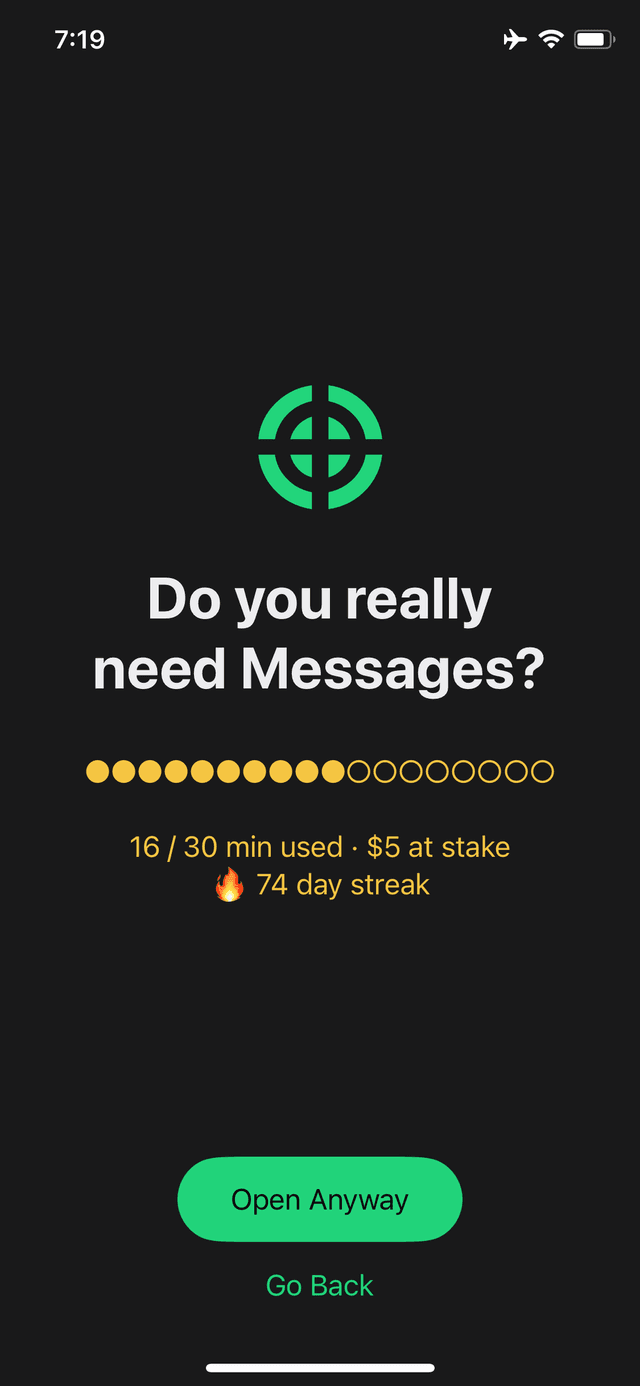
Get a real-time warning when you're close to your limit. No surprises, no excuses.
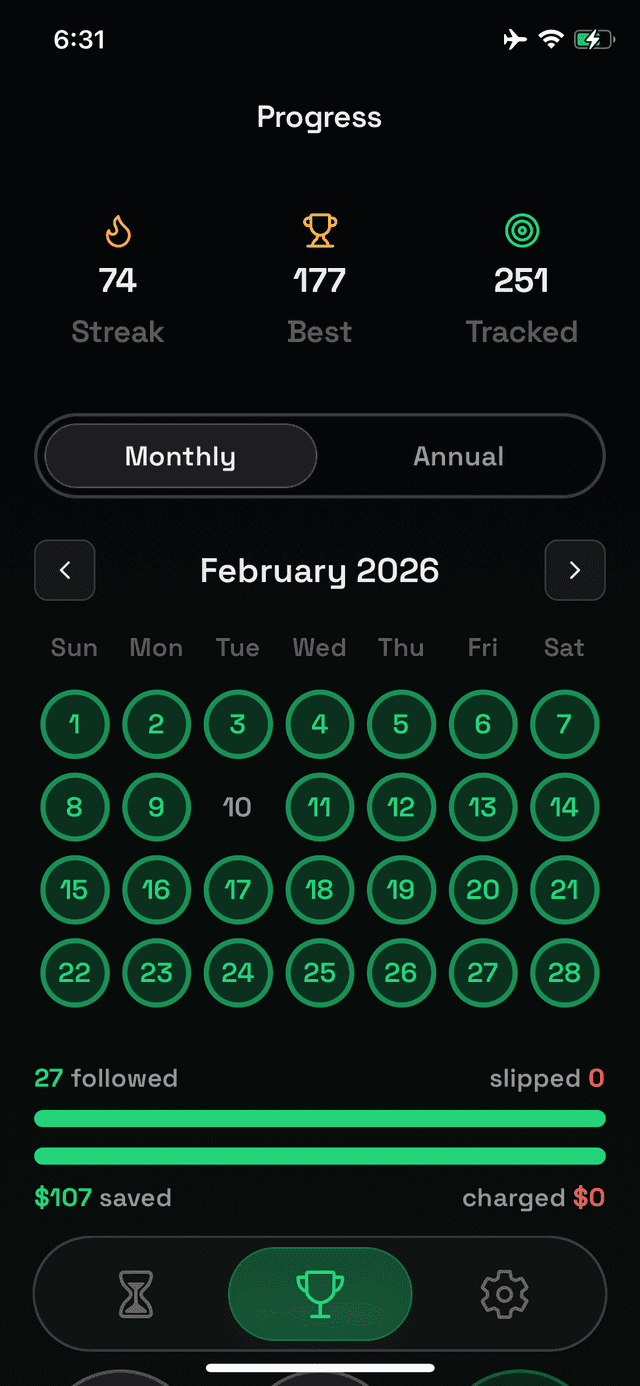
Zoom out and see the big picture. A full month of green means you're winning at life.

Take back your time. Your wallet will thank you.
Coming Soon